
Hundreds of air fryer recipes in one free app
Step-by-step recipes with a hands-free cook mode, a weekly planner and an aisle-sorted shopping list. No account needed.


Coming soon to iOS and Android.
One email on launch day. Nothing else. Your email app opened with a prefilled message. Send it and you are on the list.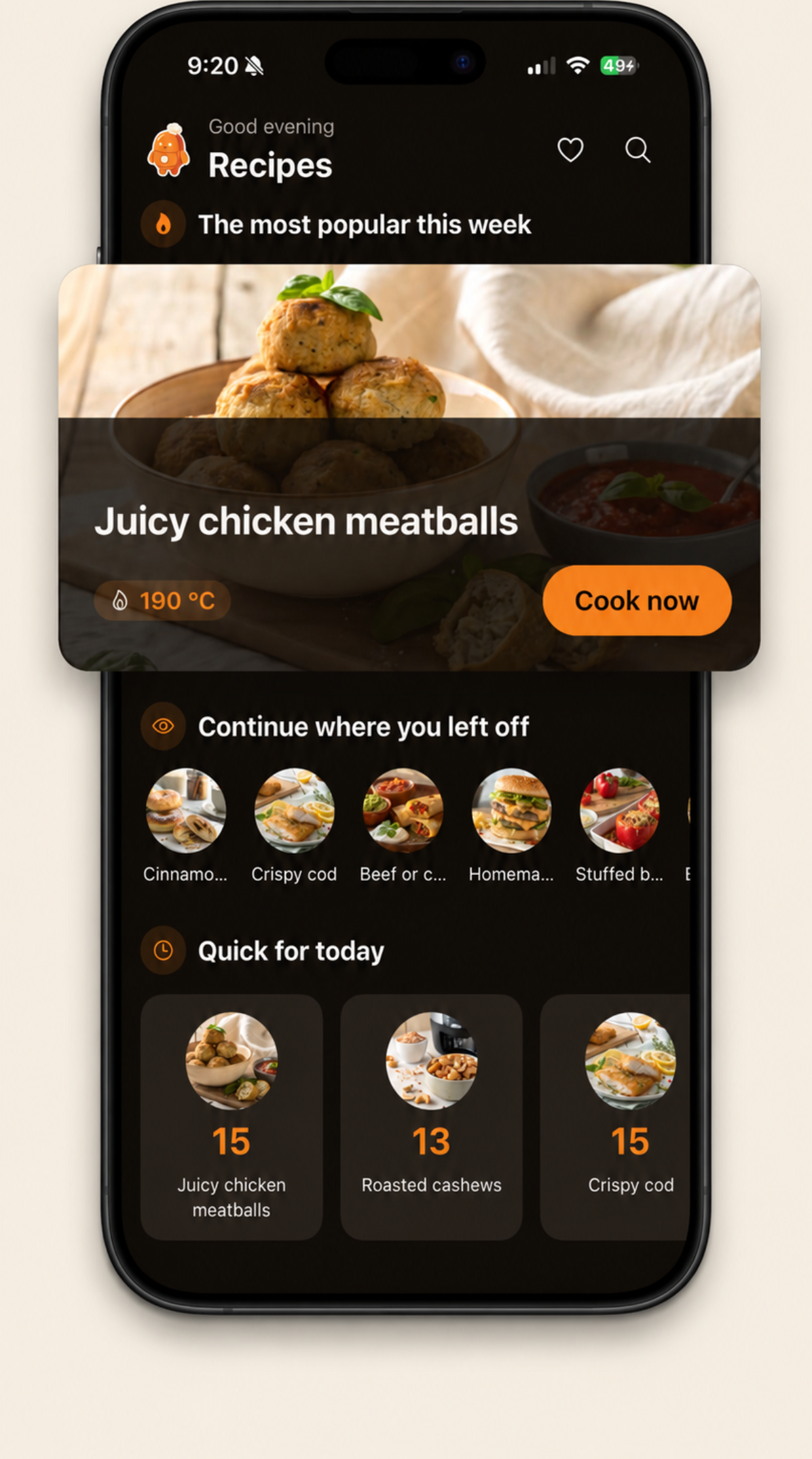
Never guess the settings again
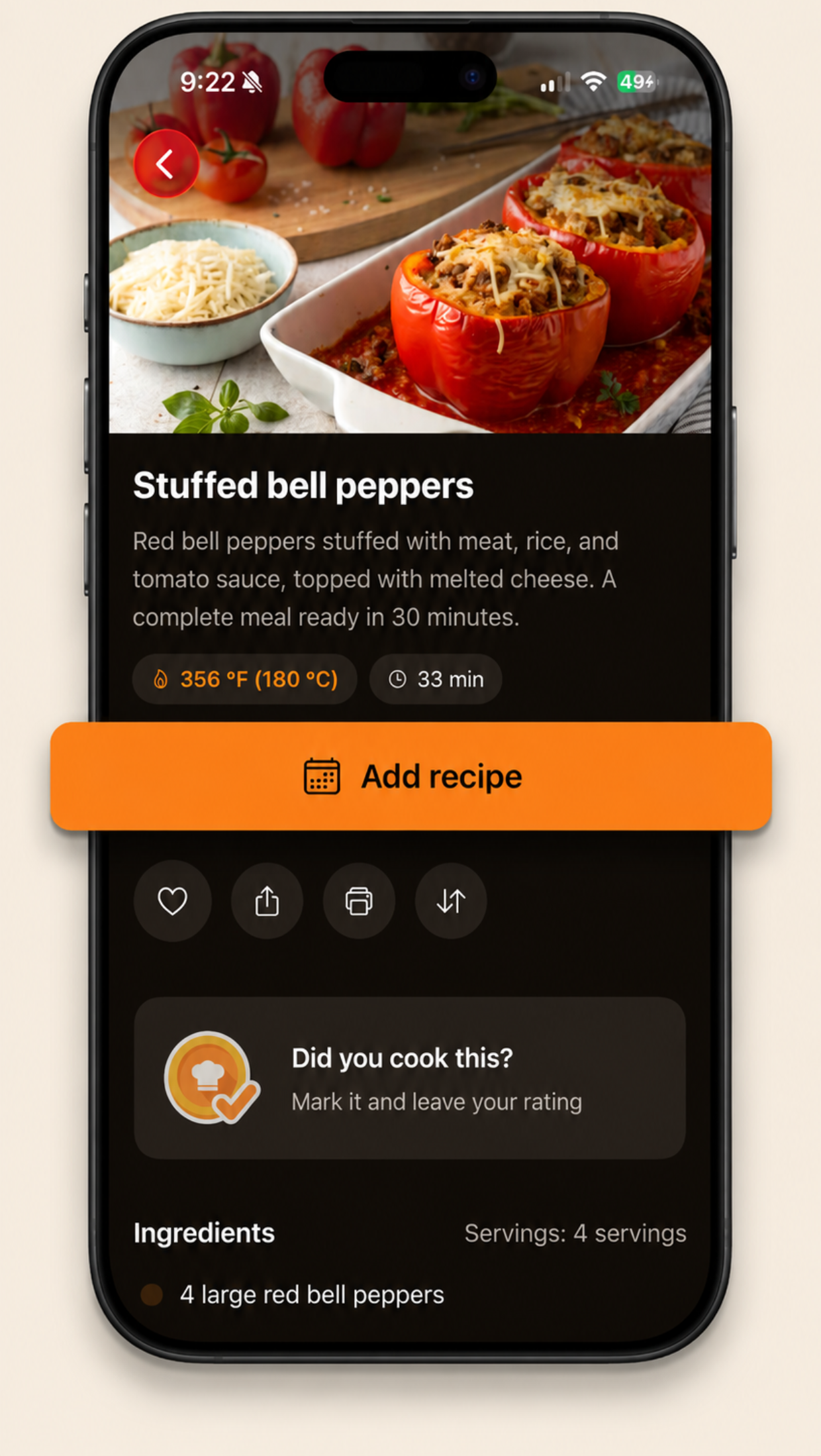
Every Brasa recipe leads with how hot and how long, in °F and °C, right on the card, so you can set the fryer before you have even opened the recipe.
Built for the "what do I cook today?" moment
From "no idea" to plate
Pick tonight's recipe
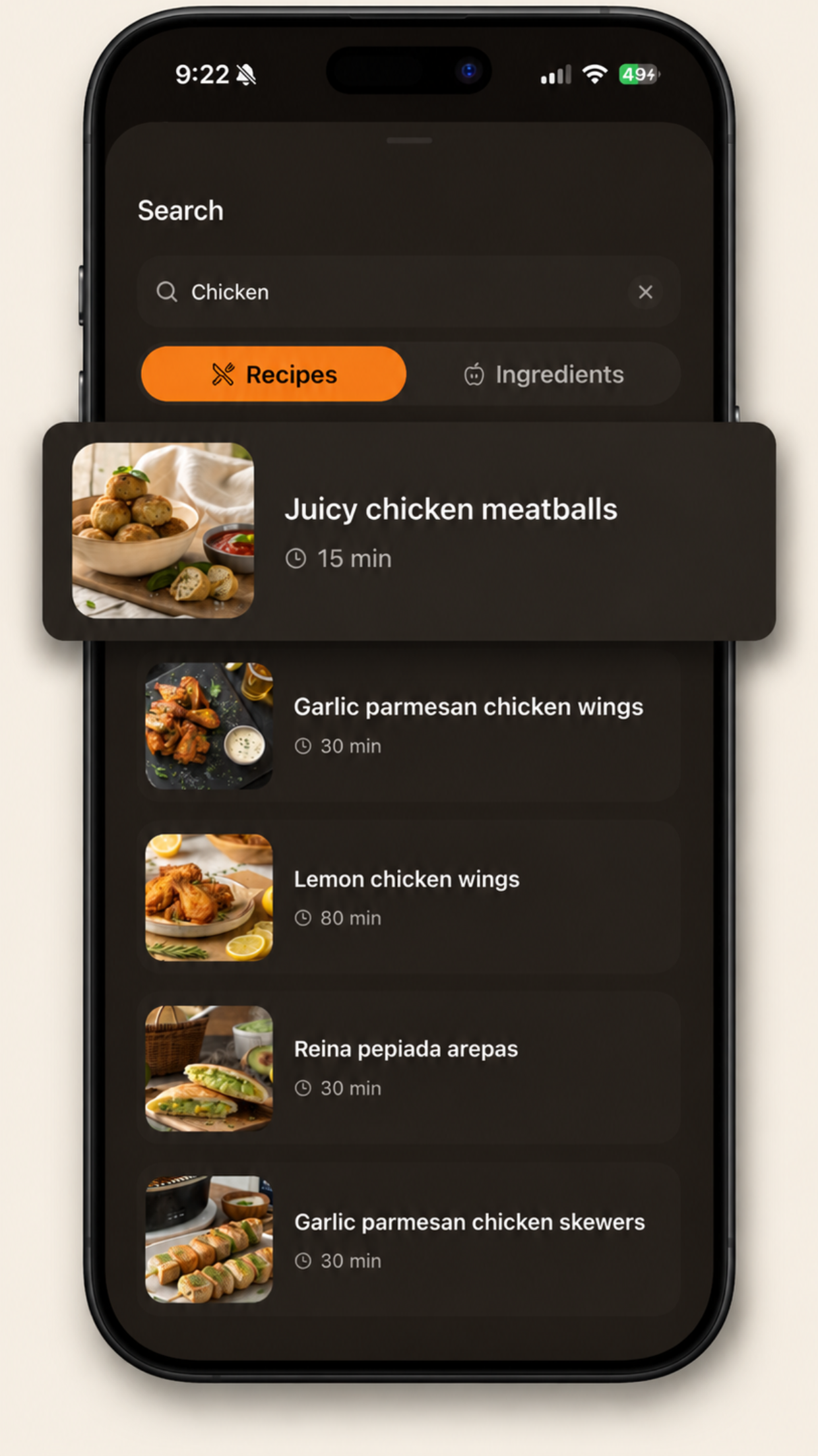
Browse the week's most popular dishes, jump to quick 15-minute ideas, or search by the ingredients already in your kitchen.
Plan it and shop by aisle
Drop recipes onto the days of your week. Send their ingredients to a shopping list that groups items by supermarket aisle, and add your own items too.
Cook hands-free
Cook mode keeps the screen awake and shows one giant step at a time. Any "12 min" inside an instruction is a tap-to-start timer.
Stamp it and rate it
Mark "I cooked this", rate it 1 to 5 and leave yourself a note, so next time you already know what worked.
Everything around the recipe, handled
Weekly meal planner
Decide once, cook all week. The home screen greets you with "Today you're cooking" so the plan actually happens.
Shopping list by aisle
Ingredients arrive grouped by supermarket aisle: produce, dairy, pantry. One pass through the store, nothing forgotten.
Your cooking journal
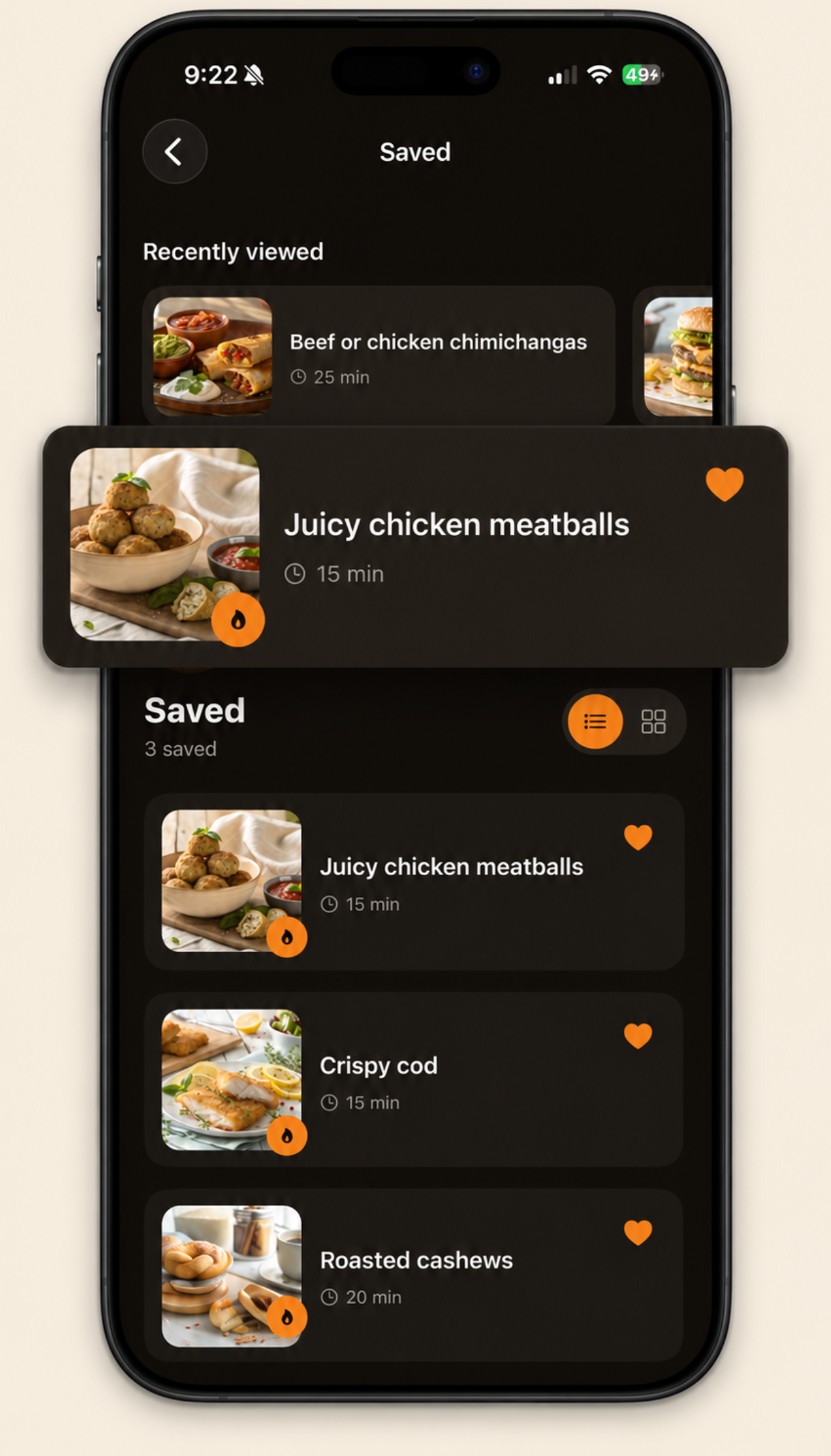
Favorites, ratings, notes and a "times cooked" counter for every recipe.
Units, solved
Every temperature in °F and °C, plus a built-in converter for volume and weight.
3 languages
English, Spanish and Portuguese. Every recipe fully localized, not machine-flipped menus.
Free, no account, your data stays yours
No sign-up wall, no subscription. Your favorites and plan are saved automatically, and Settings has a real "Delete my data" button.
Air fryer guides
Straight answers to the questions every air fryer owner searches for, from the team behind the app.
Times & temps
Getting started
Questions, answered
Is the Brasa air fryer app free?
Yes. Brasa is free and there are no in-app purchases. You do not need to create an account: open the app and start cooking. The app is supported by ads.
Does it show air fryer times and temperatures in both °F and °C?
Yes. Every recipe shows its temperature and cook time up front, in both Fahrenheit and Celsius, like 356 °F (180 °C) and 33 min. There is also a built-in unit converter for cups, tablespoons, milliliters, grams, ounces and pounds.
Can I find air fryer recipes with ingredients I already have?
Yes. Search has an Ingredients mode: type one or more ingredients, such as chicken or potato, and Brasa lists the air fryer recipes that use them.
How do I plan air fryer meals for the week?
Open any recipe and add it to a day of the week in the built-in planner. The home screen then reminds you what you are cooking today, and each planned recipe's ingredients can be sent to the shopping list in one tap.
How do I convert an oven recipe to the air fryer?
As a rule of thumb, reduce the oven temperature by 25 °F (about 15 °C) and cut the cook time by roughly 20 percent, then check early. Brasa's recipes are written for the air fryer, so no conversion is needed inside the app.
What languages does the app support?
English, Spanish and Portuguese. All recipes, not just the interface, are fully localized in the three languages.
When can I download Brasa?
Brasa is in final preparation for the App Store and Google Play. Join the waitlist on this page and you will get a single email on launch day.
Support
Help with the Brasa app, straight from the developer. Every message gets read.
Get help
Most questions are already answered in the FAQ and in the air fryer guides on this page.
If yours is not, send us an email and include your device model and app version so we can help faster.