The worst moment in phone-assisted cooking is universal: hands covered in flour, screen goes black, and unlocking means either washing up or tapping the glass with a knuckle. A real cook mode fixes this with three things: a screen that never sleeps, steps big enough to read from across the counter, and timers that live inside the instructions.
The checklist for a kitchen-proof cook mode
- The screen stays awake. Non-negotiable. If the app doesn't hold the screen on, it isn't a cook mode; it's a recipe page.
- One step at a time, in giant type. Readable from a meter away with the phone propped against the backsplash, not held.
- The step's ingredients, on the step. "Add the paprika" is useless if you must scroll back to learn how much.
- Timers inside the text. When a step says "12 min", that number should be tappable. Leaving the app for the clock app is where recipes get lost.
- Visible progress. Knowing you're on step 4 of 6 changes how the evening feels.
How Brasa's cook mode does it
- Open any recipe and tap Cook now. The app goes full-screen and keeps the display awake until you're done.
- Each step fills the screen in extra-large type, with that step's ingredients listed right under it.
- Any duration inside an instruction ("12 min") is a chip: tap it and the timer starts in place, with pause, resume and reset.
- A progress bar tracks the steps, and finishing shows your "times cooked" count for the recipe.
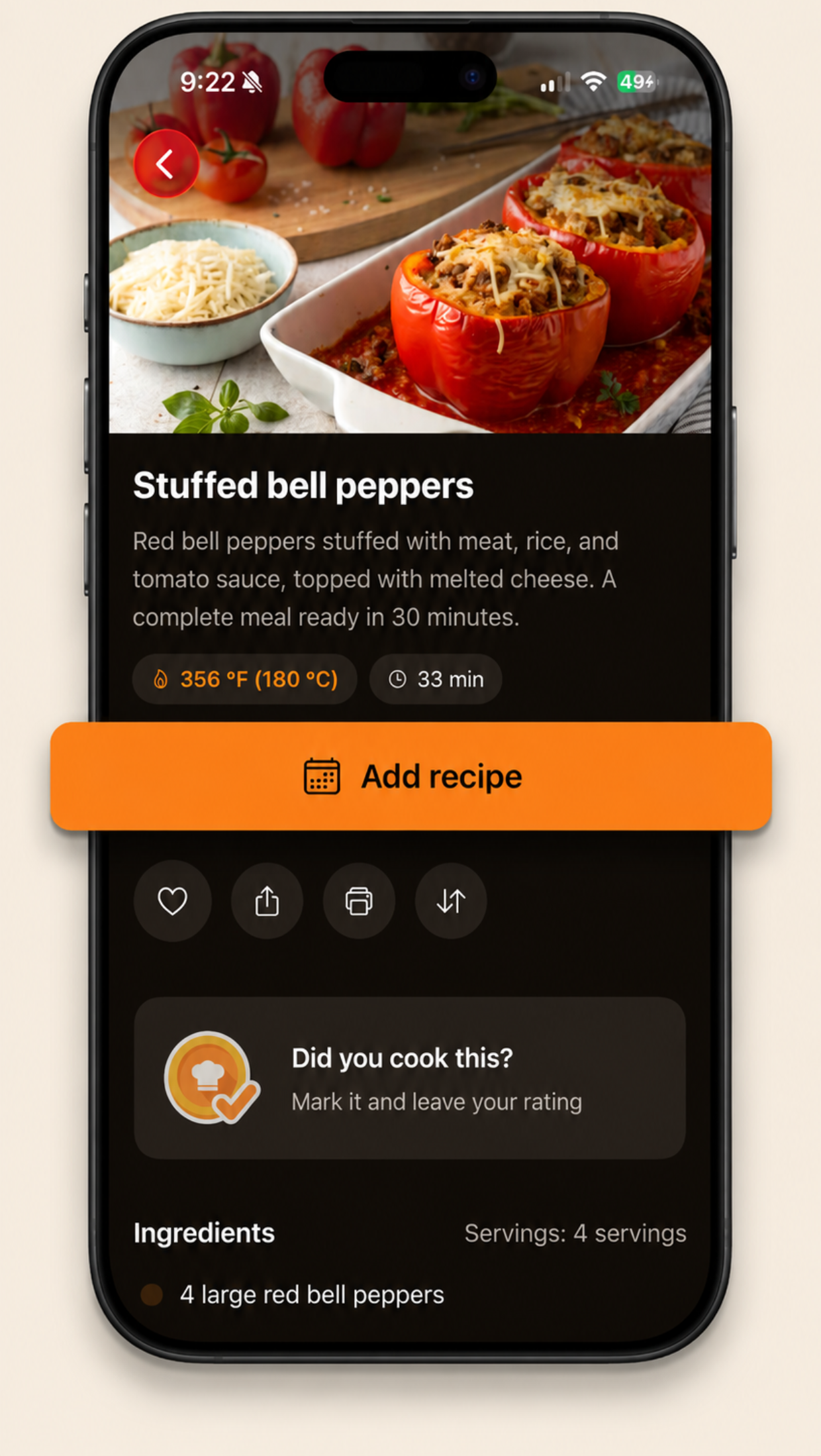
- Afterwards, stamp "I cooked this", rate it 1 to 5 and leave a note for the next time.
Prop the phone, cook the food. Brasa's cook mode was designed for the kitchen at dinner time: always-on screen, giant steps, inline timers. It's the difference between cooking with a recipe and fighting one.