A grocery list works when it's organized the way the store is, not the way the recipes are. Group items by aisle (produce, dairy, meat, pantry) and a week's worth of shopping becomes one pass through the supermarket with no backtracking and no forgotten lemon.
The problem with recipe-order lists
Copying ingredients recipe by recipe gives you a list that jumps from chicken to flour to cheese to more chicken. In the store that means crossing the same aisles three times and missing the one item that hid between two others. Aisle grouping fixes the route; merging duplicates fixes the quantities.
The workflow in Brasa
- Pick the week's recipes (or take them straight from your meal plan).
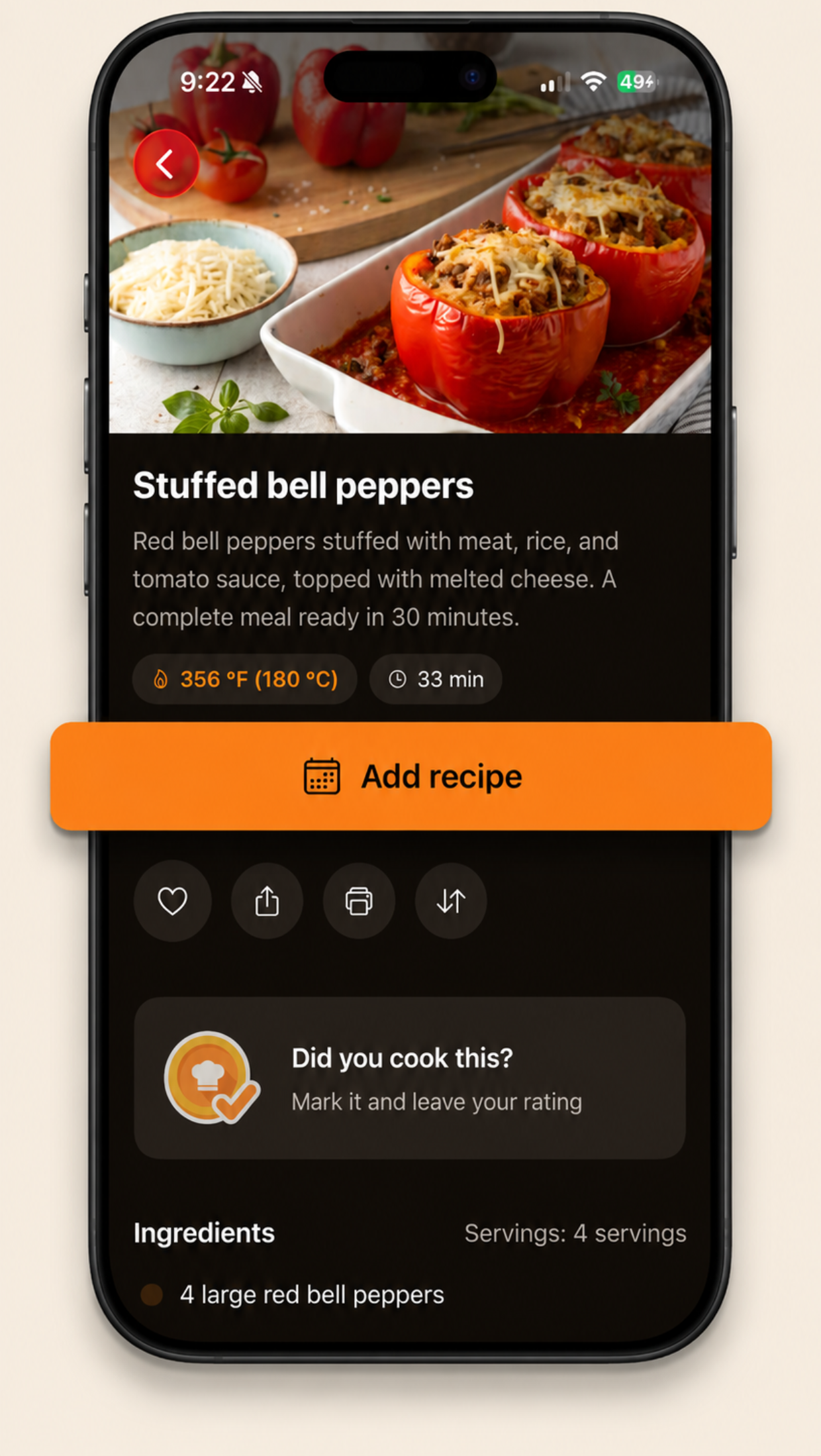
- On each recipe, tap Add to shopping list. Choose all ingredients or only the ones you're missing.
- Open the Shop tab: everything is grouped by aisle automatically, with an icon per section.
- Add your own items too: coffee, paper towels, the things no recipe mentions. The add button is always there, even on an empty list.
- In the store, check items off as they land in the cart. Checked items drop to their own section, and when the last one is checked, the app celebrates with you.
Three habits that make it stick
- Build the list the night before, when the fridge can still answer "do we have garlic?"
- Only add what's missing. The ingredient picker lets you deselect what you already own.
- Clear checked items after the trip so next week starts clean.
One trip, nothing forgotten. Brasa's shopping list is wired straight into the recipes and the weekly planner, grouped by aisle, editable by hand, and free.